
21:00 — Dusk
You already know how tonight ends.
Unless the door is bolted from the outside.
You’ve installed the polite timers. You deleted them at 2:18 AM in six seconds flat through Settings. Pinehold is different: an irrevocable Android Device Owner and Windows kernel lock that shuts out the algorithmic storm until morning. No bypasses. No polite 'just five more minutes'. Just your own words, and quiet.
Free forever for core locking. No account, no email, no ads, no telemetry. Android 10 and later.
Why your midnight self can’t break it:
- Settings → Force Stop? Grayed out. Enforced by Android Device Owner policy.
- Reboot into Safe Mode? Blocked. DISALLOW_SAFE_BOOT bars the door before OS renders.
- Fast-forward phone clock? Ignored. Monotonic CPU cycle timer. You cannot fast-forward time.
- Disable browser extension? Pointless. Windows WFP packet filter severs the wire at kernel.
22:00 — The Door
Your hand reaches for it.
Your own words are waiting.
You don’t meet an angry red warning screen or a patronizing guilt-trip chart. You meet a quiet amber lantern and the exact vow you wrote when your head was clear. Other blockers treat you like an inmate. Pinehold reminds you that you are the architect.
The 2:00 AM Test: Try to break the lock
Tap what your midnight self usually tries:
seven hours of unbroken sleep
23:00 — How Firm
As gentle as you want.
As unyielding as you need.
Start soft. Tighten it on the nights you know you cannot trust yourself.
Soft (Warm River Pebble): A quiet breath before an app opens. Your own words appear on the screen, giving your impulse three seconds to cool down. You can end the session whenever you choose.
Firm (Chiseled Slate & Brass): Blocked apps stay closed. To end early, you must type a session password you chose beforehand. Enough time for a fleeting dopamine craving to starve.
Sealed (Volcanic Obsidian & Cold Iron): The vault. Blocked apps disappear completely from launcher. No emergency password. Safe Mode rebooting locked. USB debugging bounced. The phone is a block of heartwood oak until dawn.
Touch the iron bolt and try to slide it:
00:00 — The Keeper
We keep the lecture.
We burn the casino.
You need YouTube to understand calculus, fix an engine, or debug a script. You don’t need the infinite algorithmic quicksand designed by 400 behavioral psychologists to hijack your sleep. SafeTube extracts the video stream you searched for and leaves the rest behind.
Lecture 1: Derivatives and Rate of Change
Prof. David Jerison · MIT OpenCourseWare
Video plays cleanly in high definition. The recommendation sidebar, comments, and Shorts carousel are severed at the network layer.
Thumbnails and search results stay covered until private on-device vision verifies they contain zero sensationalist traps.
Evaluation runs through private Gemini 3.5 Flash Lite architecture. Your search queries never become ad-targeting fodder.
01:00 — Quiet Hours
Quiet when the world demands it.
Silence when your body needs it.
Outside your promise the phone is just a phone. Inside it, a few quiet hours keep their shape.


Drag the sun through a day:
Dynamic astronomical prayer calculation. Pinehold uses your local coordinates.
03:00 — The Laptop
Your laptop keeps the same promise.
The wire goes cold.
A browser extension is a joke. Any student with three brain cells can open chrome://extensions and toggle it off in three seconds. Pinehold for Windows doesn’t live in your browser. It speaks directly to the Windows Filtering Platform (WFP) at Ring 0—the kernel driver layer. When a promise begins on your phone, your laptop enters the same sanctuary. When a site is locked, packets cease to exist before the browser even knows they were requested.
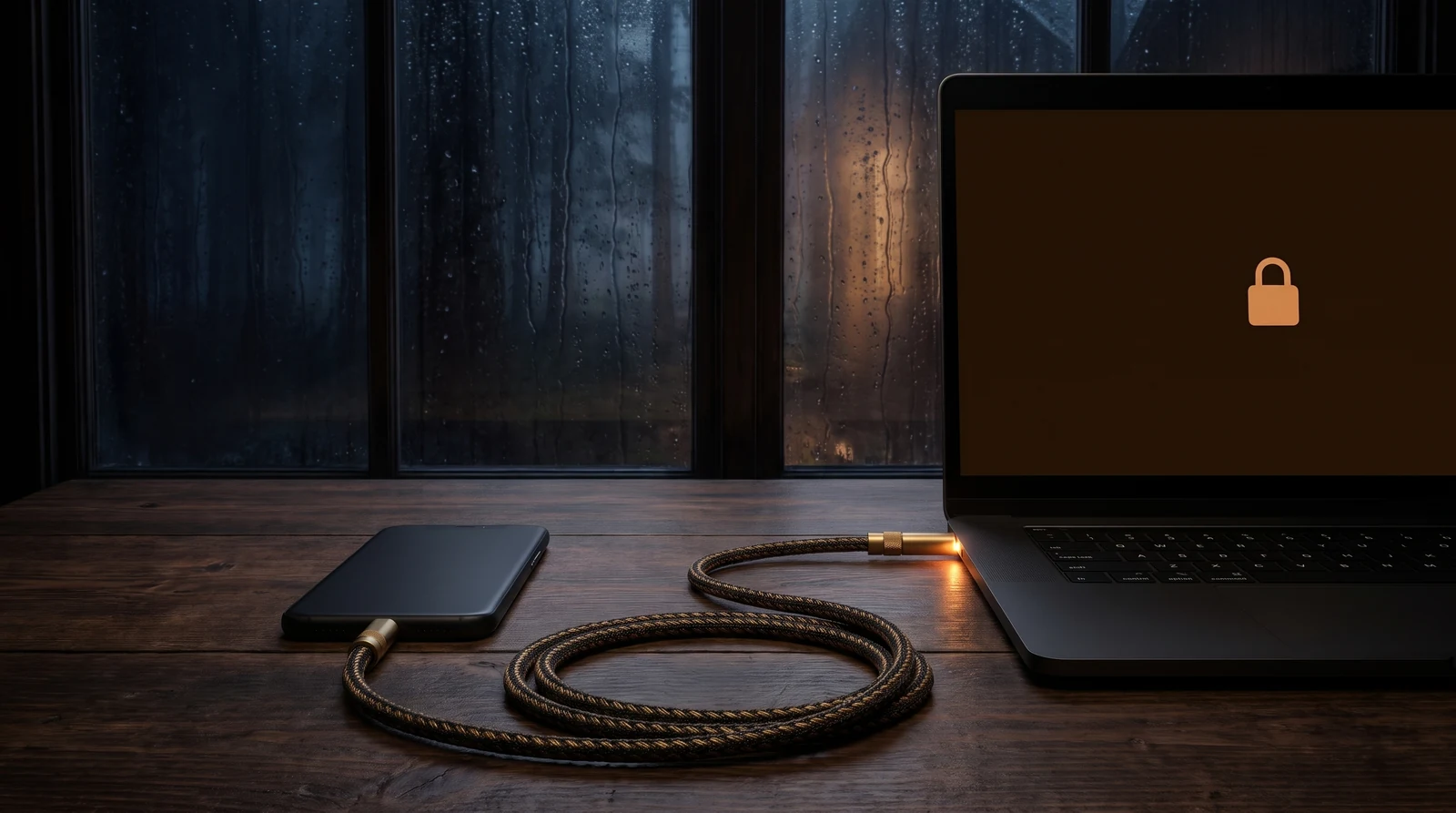
Synced over the air, as unshakeable as a physical cable. One promise holds your pocket and your desk together.
Pinehold for Windows kills distraction at the kernel driver layer. Included in the Everywhere lifetime bundle.
04:00 — The Price
Pay once. Keep it for life.
No monthly rent on your peace of mind.
Other blockers charge you $40 to $100 every single year for an app you can delete in six seconds flat. Pinehold is $9.99 once. For a vault you cannot break.
Pinehold
- Soft and Firm promises (unlimited)
- Your words and picture at the door
- Safe Harbor: calls, maps, alarms, banking
- Salah prayer times, schedules, and daily limits
- No account required, zero telemetry
Pinehold Pro
- Sealed Mode: Un-bypassable Device Owner deadbolt
- SafeTube & AI Keeper study distraction shield
- Bedtime strict lockdown & Earn Mode
- Windows Setup Wizard for zero-terminal setup
- Instant activation key on screen the second you pay
Family pack · $19.99 once
Three Pro codes for three phones.
Everywhere
- 5 Lifetime Pro licenses (family & devices)
- Pinehold for Windows included (WFP kernel filter)
- Cross-device sync: phone and laptop lock together
- Six months of Keeper Plus AI scanning
- Saves $25 against buying separately
Loading pay button…
Keeper Plus
- Optional on-device & cloud vision evaluation
- 200 deep checks a day, shared by phone and laptop
- Only for heavy video screening (lock is always free)
Zero recurring fees for locking. Pro is a true lifetime purchase. Device Owner lock, SafeTube, and Windows WFP filter are yours forever.
30-day sleep refund guarantee. Try Sealed mode tonight. If Pinehold doesn’t give you back at least two hours of your life in the first week, email Youssef within 30 days for an immediate 100% refund. Terms · Have a payment ID? Claim your key here
05:00 — Questions
What people ask before dawn.
Can I really not uninstall it during Sealed mode?
Yes. That is the point. When configured as an Android Device Owner, Android's own package manager disables uninstall and force-stop controls until the timer reaches zero. You cannot delete it at 2:00 AM.
What if I have an emergency during a session?
Calls to and from emergency numbers, designated family contacts, maps, banking, and your morning alarms are permanently protected in Safe Harbor. Pinehold never locks the telephone.
Why isn't this in the Google Play Store?
Google Play developer policies forbid consumer apps from preventing their own uninstallation. Distributing directly as an APK is the only legal, sanctioned way to provide authentic Device Owner lockdown.
How does Windows WFP work?
Pinehold installs a lightweight Windows Filtering Platform callout driver. It drops packets at the operating system network kernel boundary, making it completely browser-agnostic.
Does it work on iPhone?
No. Apple does not allow this app to exist because Apple forbids un-uninstallable locks. If an app can be downloaded in ten seconds from the App Store, your midnight self can delete it in ten seconds flat.
06:00 — Morning
seven hours of unbroken sleep
Kept.
The promise you made at 21:04. Kept until morning. Free, two minutes, no account.